 Furnishi
From a phone call to a signed handover, in nine stages.
Each stage below is a real screen in the panel. The badge marks who drives that stage — and every one of them is looking at the same order record, filtered to what they may see.
Survey
A survey partner is assigned by location code. They visit, measure, upload the sheet and attachments, and close the survey against the order that already exists.
Enquiry
The enquiry is captured with customer, address, pincode, location code, product, product code and face area. Coordinators for customer, source and factory are set here.
Quotation
Quote = face area × the rate-card rate for that product. The rate card is central, so a coordinator cannot quietly discount a job.
Confirmation
The customer approves. The enquiry action moves from DISCUSSION to CONFIRM and the record becomes an order. Cancelled enquiries keep their reason.
Installation
A work partner is assigned. Start and end dates are set, status moves through WIP and any holds, and site photos land on the record as the work proceeds.
Snag list
Anything wrong is raised as a snag with issue, reason and solution. The partner fixes it and uploads photo and video proof. Cost of the fix is factory-only.
Handover
The mandatory checklist is completed and the customer signs digitally. The order cannot be signed off with an item unanswered or a snag open.
AMC & complaints
After handover the property carries an AMC. Complaints raised against it route to a partner, carry an SLA clock and close with evidence.
Payout
Partner payment is computed from completed work and released only once the order is closed and an L3 approver has signed. The approval is stored with the release.
The same job, four screens along.
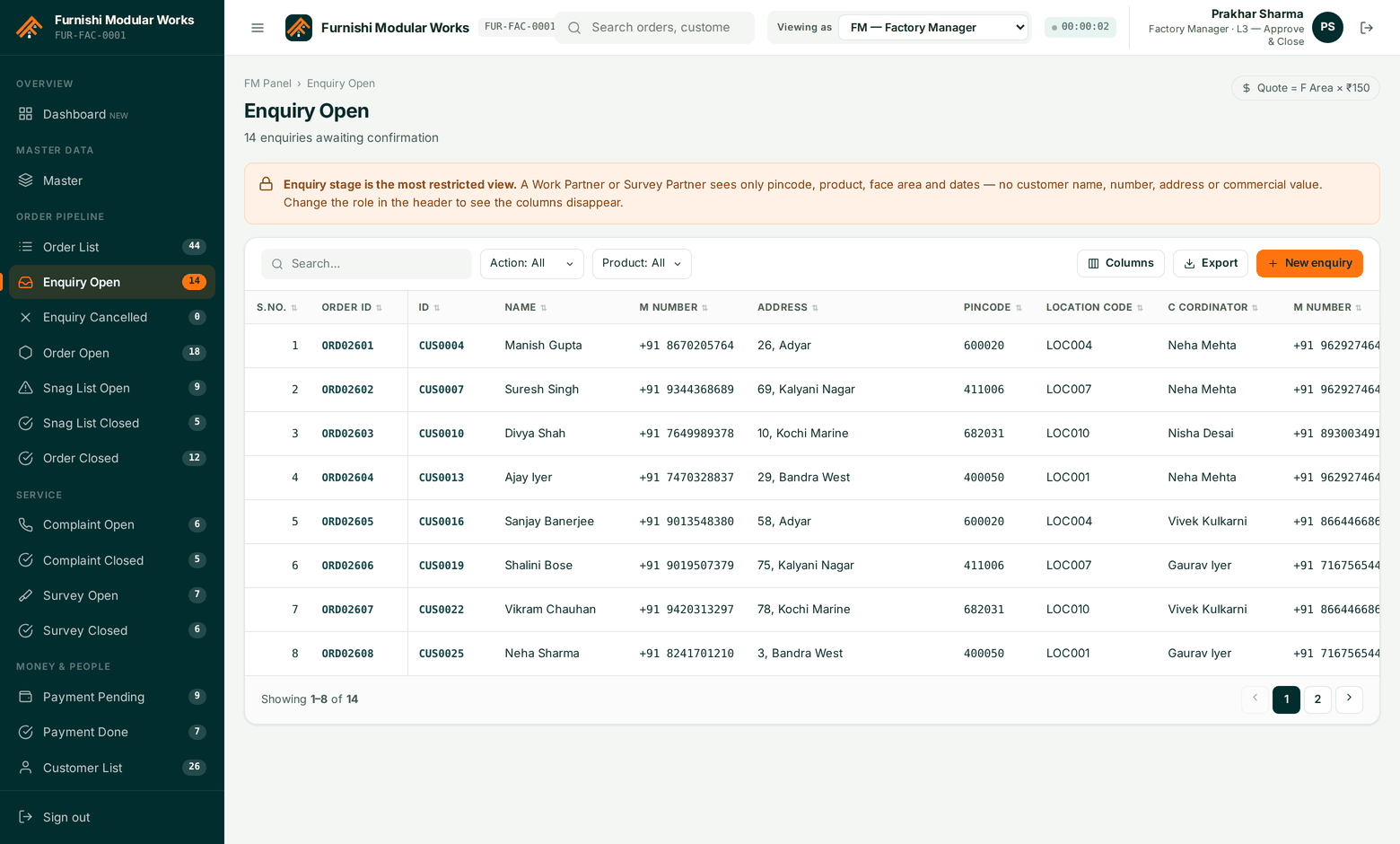
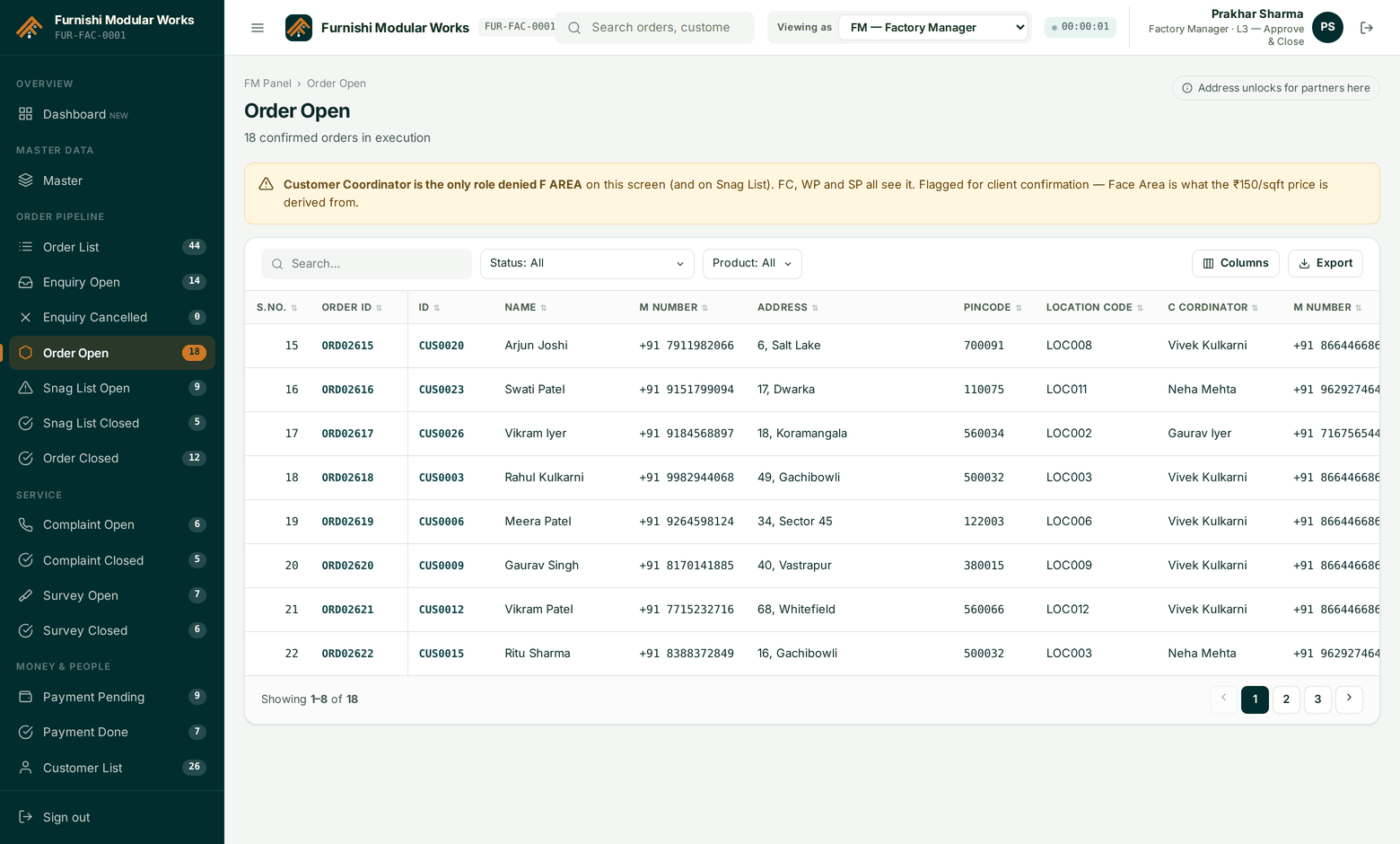
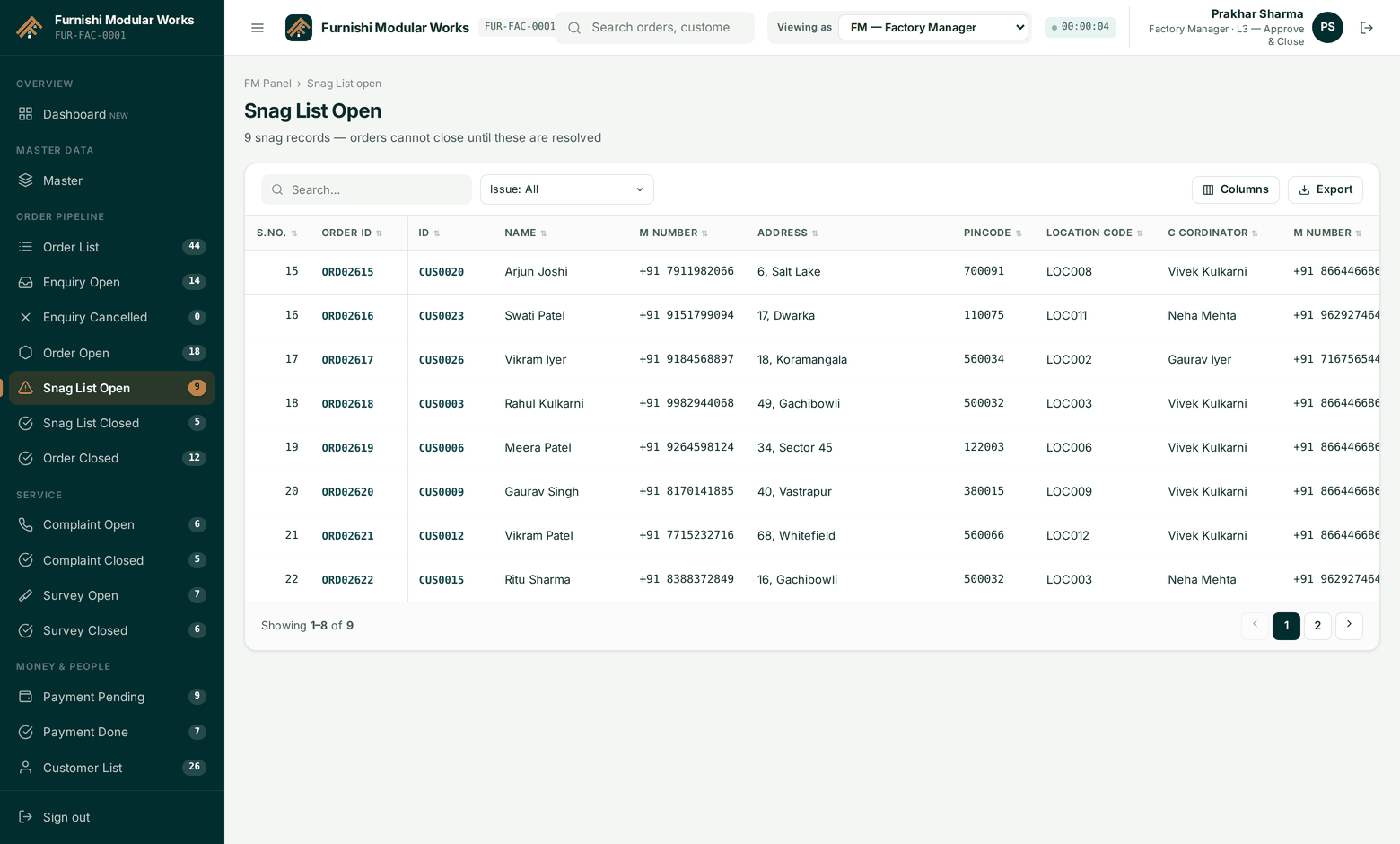
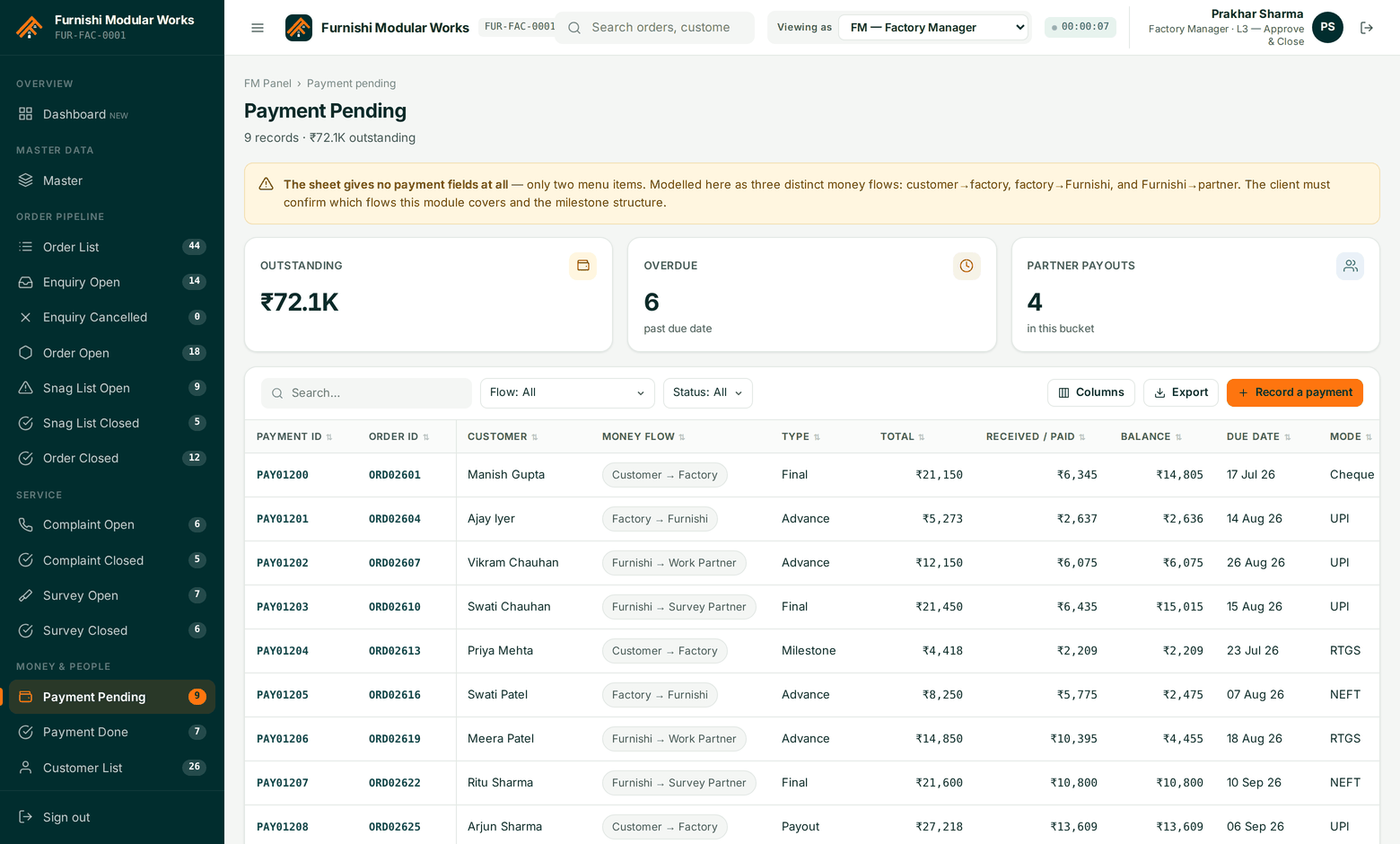
What onboarding actually looks like.
Day 1 — your masters go in
We load your products, product codes, location codes, source firms and rate card. If you have a spreadsheet, that is the input; we do not ask you to re-type it.
Day 2–3 — people and permissions
Users are invited by role. You confirm the column matrix — which role sees which field — before a single partner is given access.
Day 4–7 — live orders in parallel
New enquiries go into Furnishi while your existing jobs finish on the old process. Nothing is migrated mid-flight.
Week 2 — partners on board
Your work and survey partner firms are invited. They see only their own jobs, and only the seven fields they need. Training is one screen.
See it run on one of your live jobs.
Bring a real order — we will put it through all nine stages in the demo.